
Free
The daily job is free, and there is no clock on it.
Download ShiftKit and the part you use every day works: your roster, how you slept, what you drank, and what is on tomorrow. No account, no sign-up, no trial counting down, and no card taken at any point. If you never buy Pro, nothing you have already entered stops working.
Unlimited, free
The roster and the daily log, with no ceiling
These are not sampled, capped or time-limited. Enter ten years of shifts if you want to.
- Unlimited shifts, across all eight kinds — day, night, afternoon, on-call, standby, training, leave and travel.
- The month calendar and the week planner, with a marker or a short comment on any shift or on the day itself.
- Unlimited readiness check-ins: sleep hours, sleep quality, fatigue, soreness, stress and energy, typed in yourself.
- Unlimited water logging against a daily target you set.
- Unlimited quick caffeine logging — coffee, instant coffee, espresso, energy drink, tea, cola, tablets or other — each with your own milligram figure, and the cut-off worked back from your sleep window.
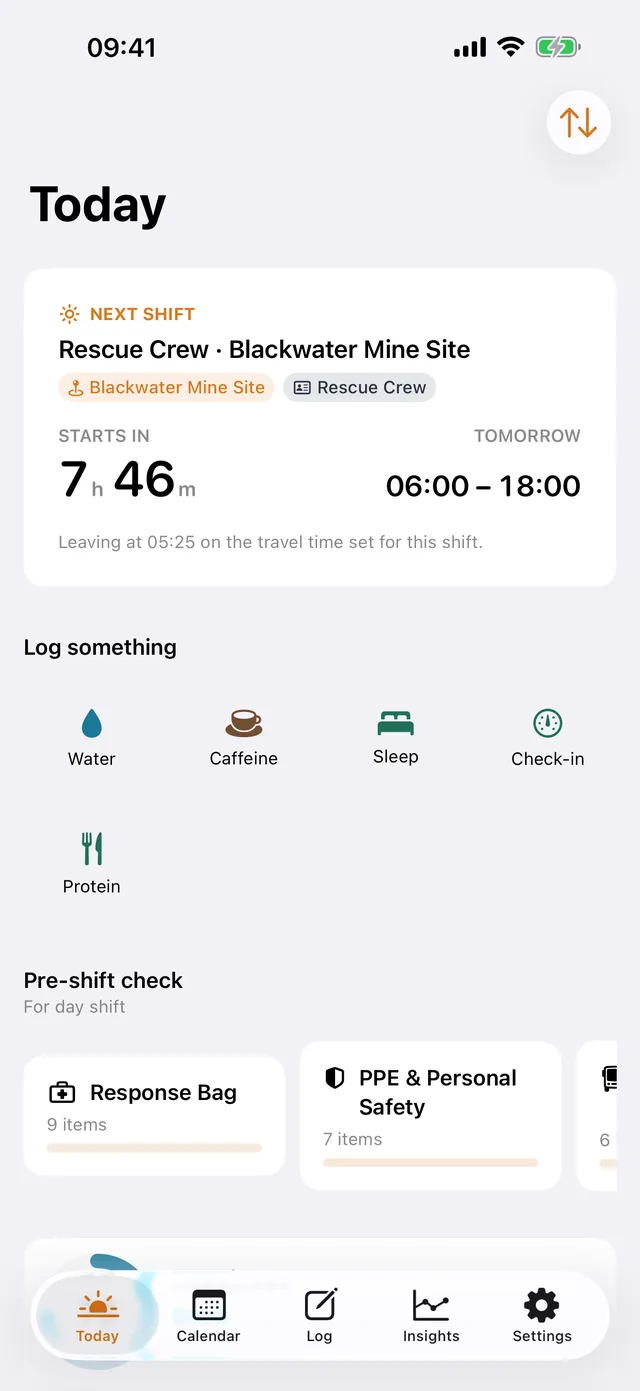
- The Today screen, with the cards dragged into whatever order suits your shift and the ones you do not use switched off.
- Your baseline: a fixed roster, a rotation of shift kinds, or casual and locum where nothing is assumed.
- Up to three work sites, with placements and availability.
- Face ID, Touch ID or your passcode in front of the app.
- 42 shift colours, Mix your own, the app icon of your choice, and time steps of 15 minutes, 30 minutes or an hour.
- The sleep sound and alarm screen: a wake time with a fade-in ramp, snooze and backstop repeats; the overnight session, which is a dark screen playing a sound all night; the Do Not Disturb and Focus hand-off; and the eight sleep sounds that come inside the app download.
- The searchable Help book, inside the app.
On the screen
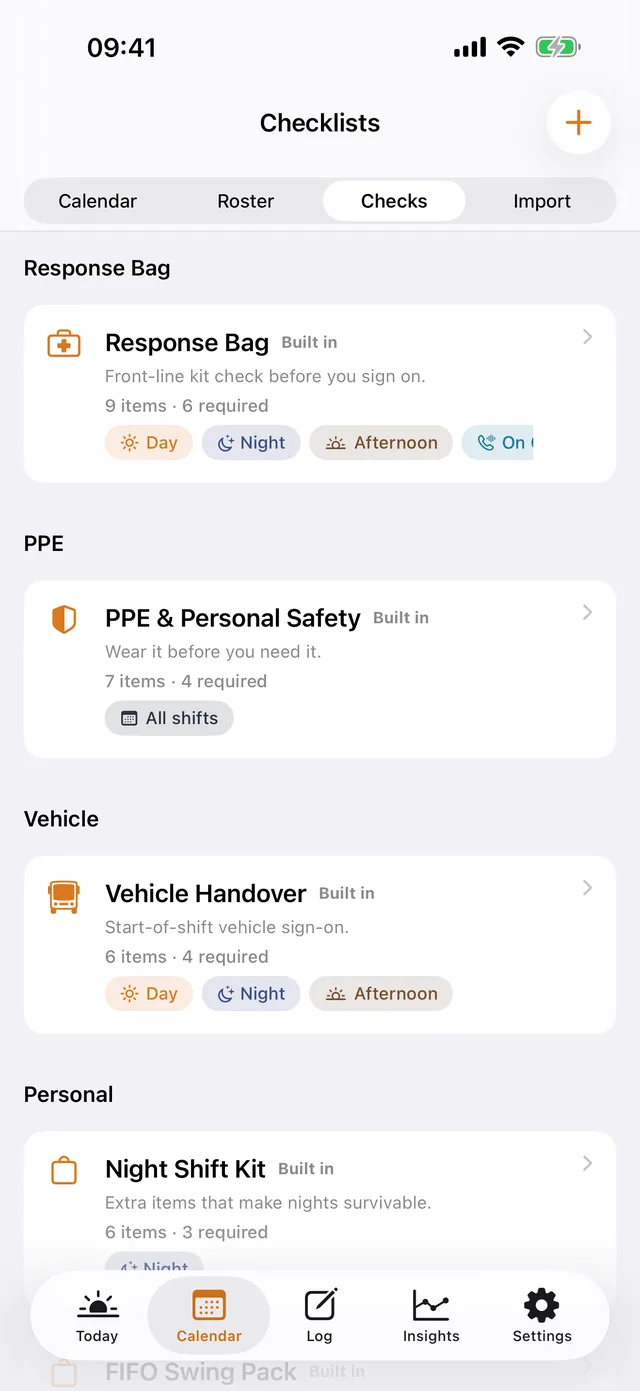
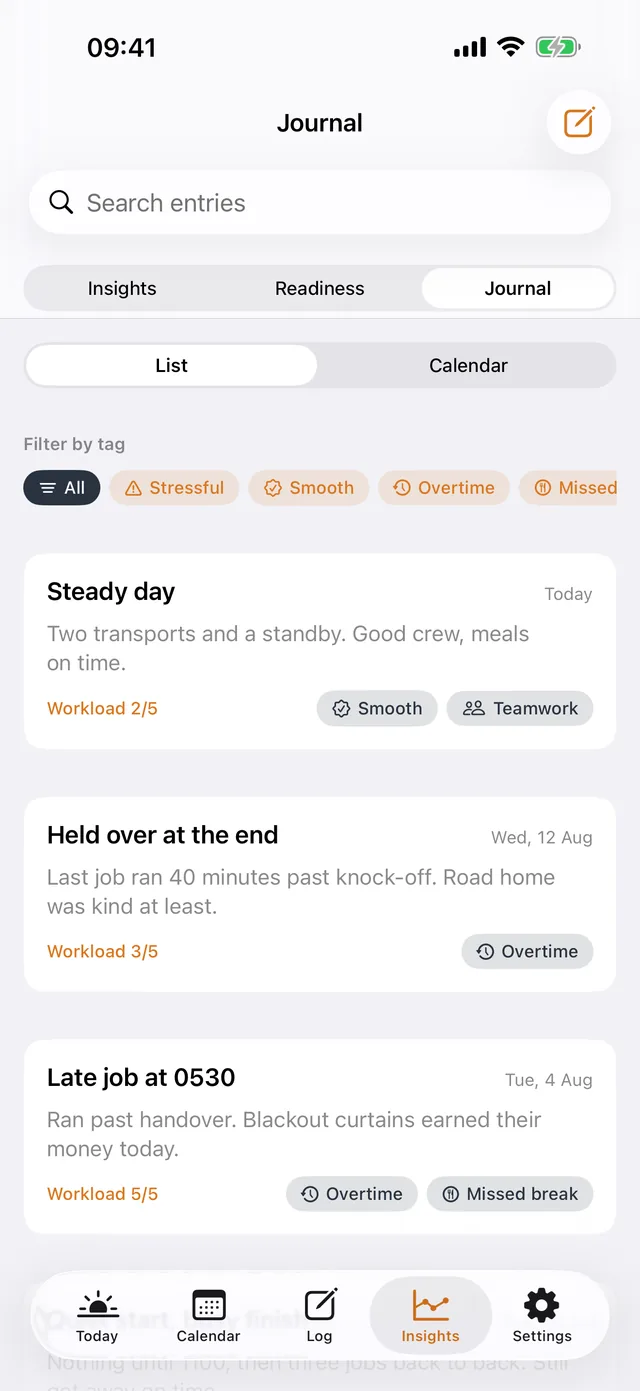
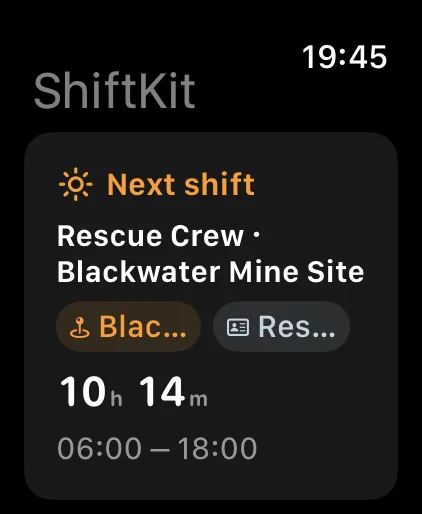
The everyday screens, free
Where free stops
Five numbers, stated plainly
Nothing here expires and nothing already entered is taken away. These are ceilings on how much of a thing the free app keeps or shows.
| Feature | Free | With Pro |
|---|---|---|
| Checklist templates | 2 | As many as you like |
| Post-shift journal kept for | 30 days | Every note, kept |
| Trends and charts look back | 7 days | Your whole history |
| Scheduled reminders | 1 | Pre-shift, mid-shift and wind-down |
| Work sites | 3 | As many as you work |
On the free tier
Records stay on the device
The free app opens its database on the device you are holding. Nothing is sent anywhere, because there is nowhere for it to go: there is no ShiftKit account and no ShiftKit server, on either tier.
Syncing between your iPhone, iPad, Mac and Watch, and the dated backups you can restore from, are part of Pro. On free, keep in mind that a new phone starts empty. That is worth knowing before you type a year of roster into it.

Not on the free tier
What a purchase actually buys
The long view
Trends past seven days, and the printed and exported reports that come off them.
Syncing and backups
The same roster on every device, and dated backups you can restore onto a new phone.
The pattern builder
Generating a swing, repeating it until you stop it, and clearing a run of days for leave in one go.
Named drinks
The library with its stated serves and full label detail, your own custom drinks, and sugar against the figure you set.
Protein tracking
The protein log with one hundred Australian products built in, barcode lookup, protein on meals and on drink labels, and the day's total against the figure you set.
Widgets and the watch face
Next shift, water, readiness and protein on the Home Screen, the Lock Screen and a complication.
The work side
Pay and earnings, roles per site and per shift, your own library of start and finish times, travel arrangements, and itinerary import.
Reading a roster in
Handing ShiftKit the photo, screenshot or PDF payroll sent, and checking every shift it read before it saves.
Sleep and the body clock
Logging every sleep in a day, and the seven body clock charts built from what you wrote down.
The rest of the sound library
Eight of the 80 pieces come inside the app download and are free. Pro opens the other 72, fetched on demand as you choose them: the rest of the ambient, nature and immersive pieces, including the immersive ones placed around you as they play, and the twenty guided sessions. Paced breathing and the meditation timer are Pro as well.
Food and what you take
Meals, saved plates, condiments, snacks, alcohol, medicines, supplements, glucose and insulin, and one page listing everything you are taking.
Symptoms and cycle
A library of 144 symptoms, cycle logging, and the perimenopause and menopause symptom sets.
Payslips
Adding the payslip payroll sent, the figures as printed, a coverage calendar, and exporting the files you have stored.
Pro is AUD $7.99 a month, AUD $44.99 a year with a 7-day free trial, or AUD $119.99 once for Lifetime, which includes Pro features added later. One purchase covers iPhone, iPad, Mac and Apple Watch.